Eat well, together.
Food, water, steps and weight for each grown-up at home, in the PelQi you already use. It starts from the family’s meals, so logging dinner is one tap, not five minutes of searching.
Health basics are free for every grown-up. Photo estimates and asking PelQi about your goals come with Max or the Health add-on.

Your day, your week, your table.
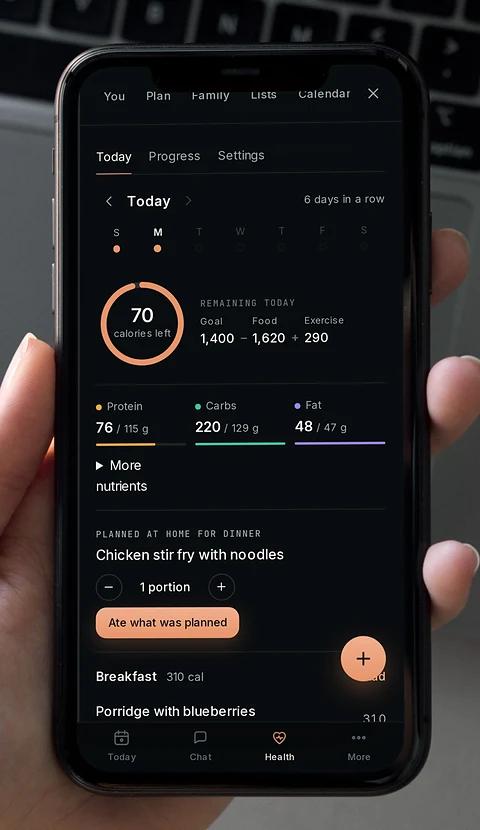
Today 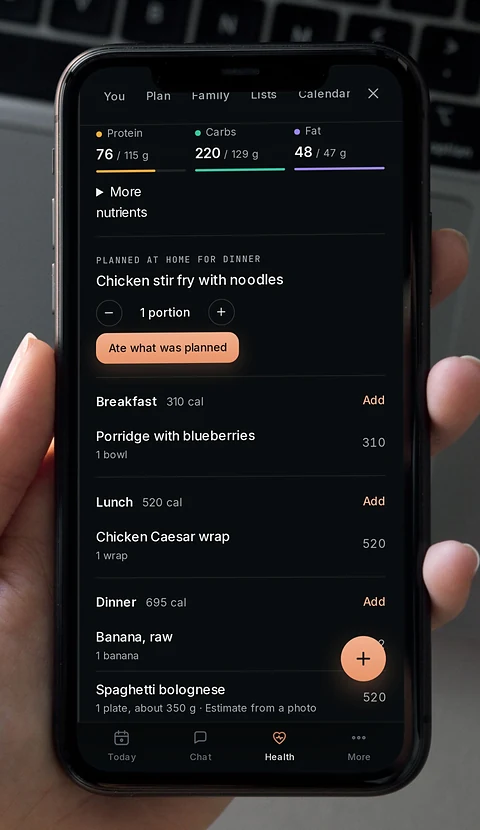
This week’s meals 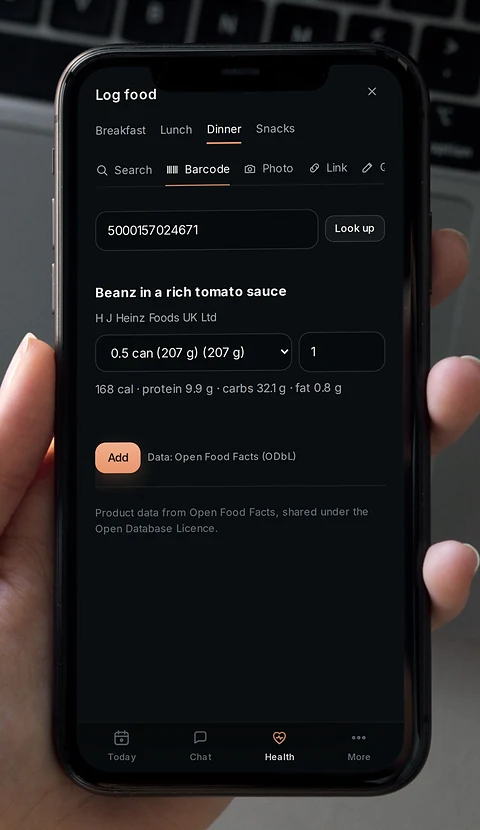
Scan a barcode 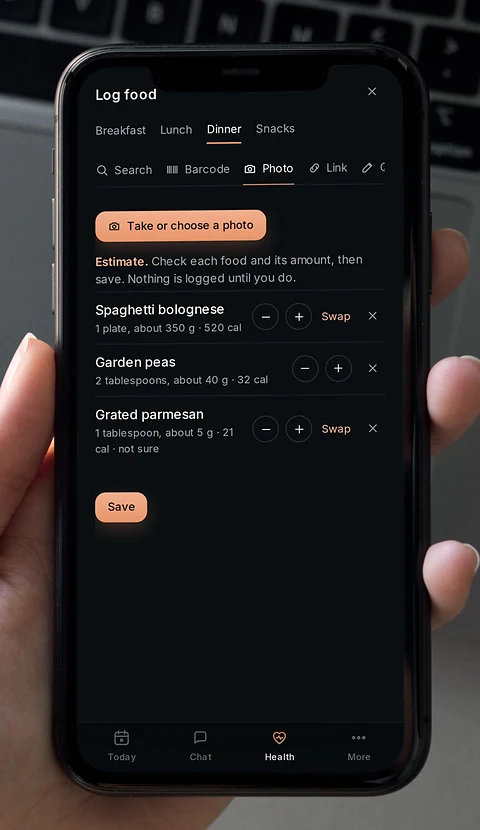
Photo estimate 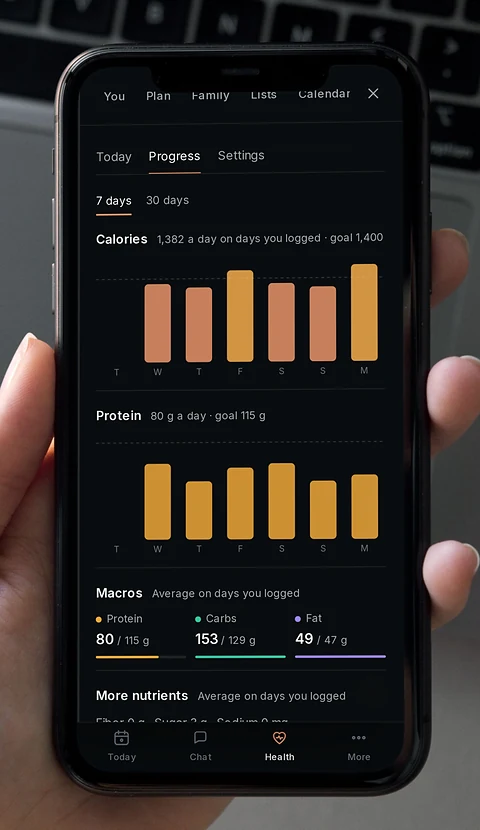
Progress

One plan for the whole table.
Plan the week’s dinners once. Each grown-up logs what they ate with one tap, with their own portion, and the ingredients are already on the shopping list.
- Portions per person, not one size for everyone
- Allergies at home checked before a meal reaches the plan
- Grown-ups only: children are never tracked

Scan it in the aisle.
Point your camera at the barcode on a packet and PelQi finds it, with calories, carbs, fat and protein for a serving. Change the serving and it does the maths.
- Search foods by name when there is no barcode
- Quick add when you already know the number
- Copy yesterday’s breakfast in one tap
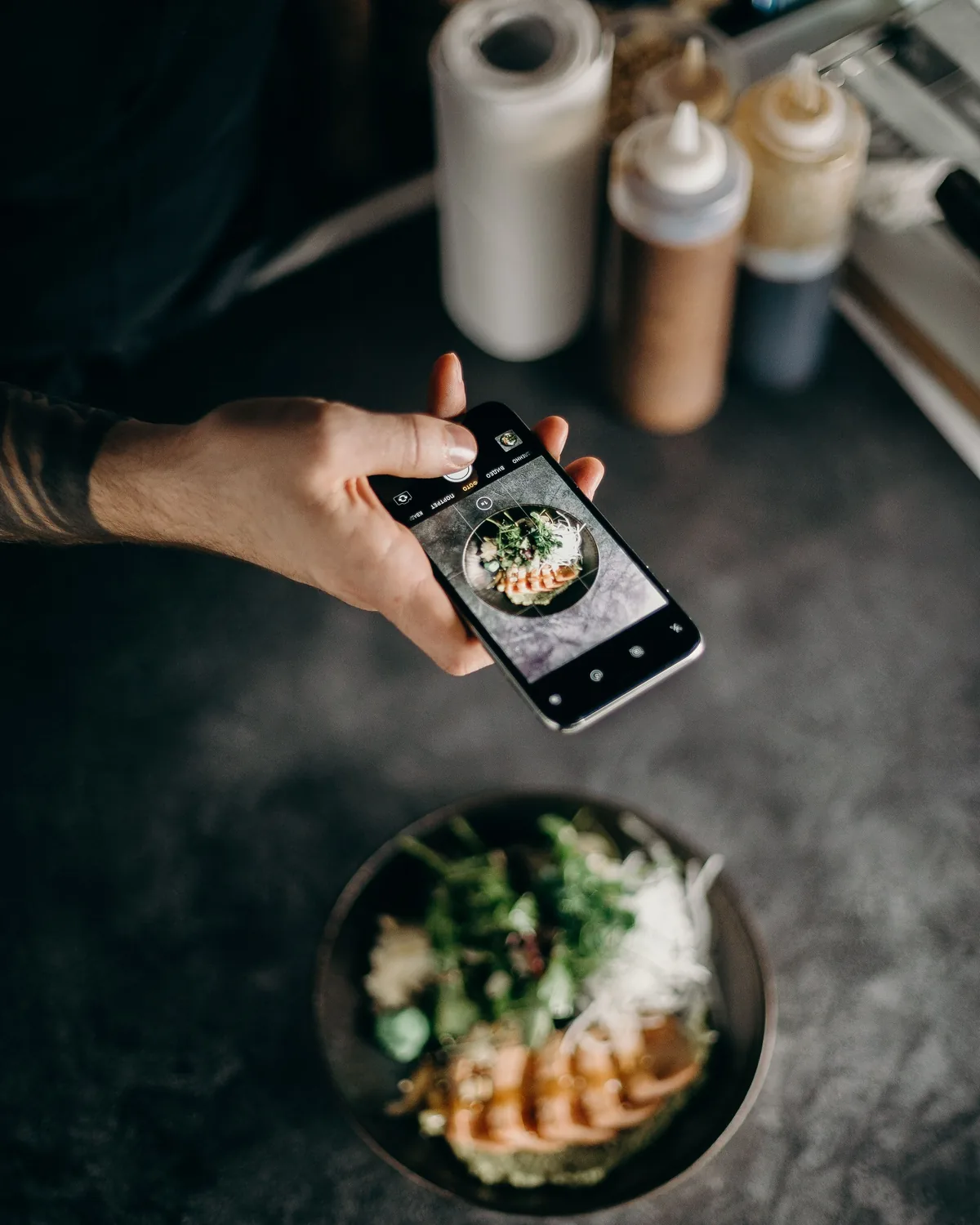
Snap the plate. Check the estimate.
Take a photo of your meal and PelQi suggests what is on it and roughly how much. Change anything that looks off. Nothing is logged until you say so.
- Every item and portion is yours to edit
- Always marked as an estimate
- With Max or the Health add-on

Just say what you ate.
Tell PelQi the way you would tell anyone: “porridge and a banana for breakfast”. It works out the calories and the macros, says they are estimates and puts them on today. No searching, no typing.
- Water, weight and a walk count the same way
- Ask what is left for dinner in the same breath
- With Max or the Health add-on
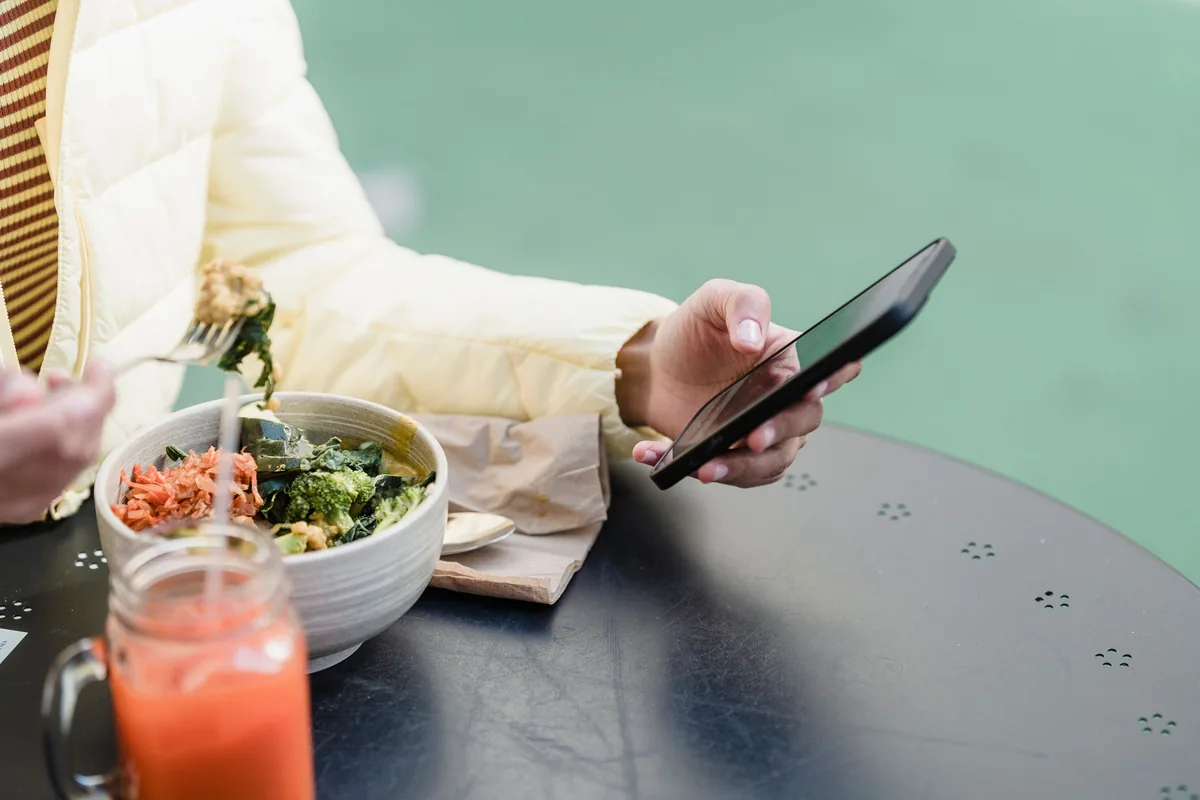
Ask what to have next.
“What could I make tonight to hit my protein?” Ask in the chat you already use. PelQi looks at today, your targets and this week’s plan, and suggests something the whole table can eat.
- What you pick goes straight on the shopping list
- Plain answers, not medical advice
- With Max or the Health add-on
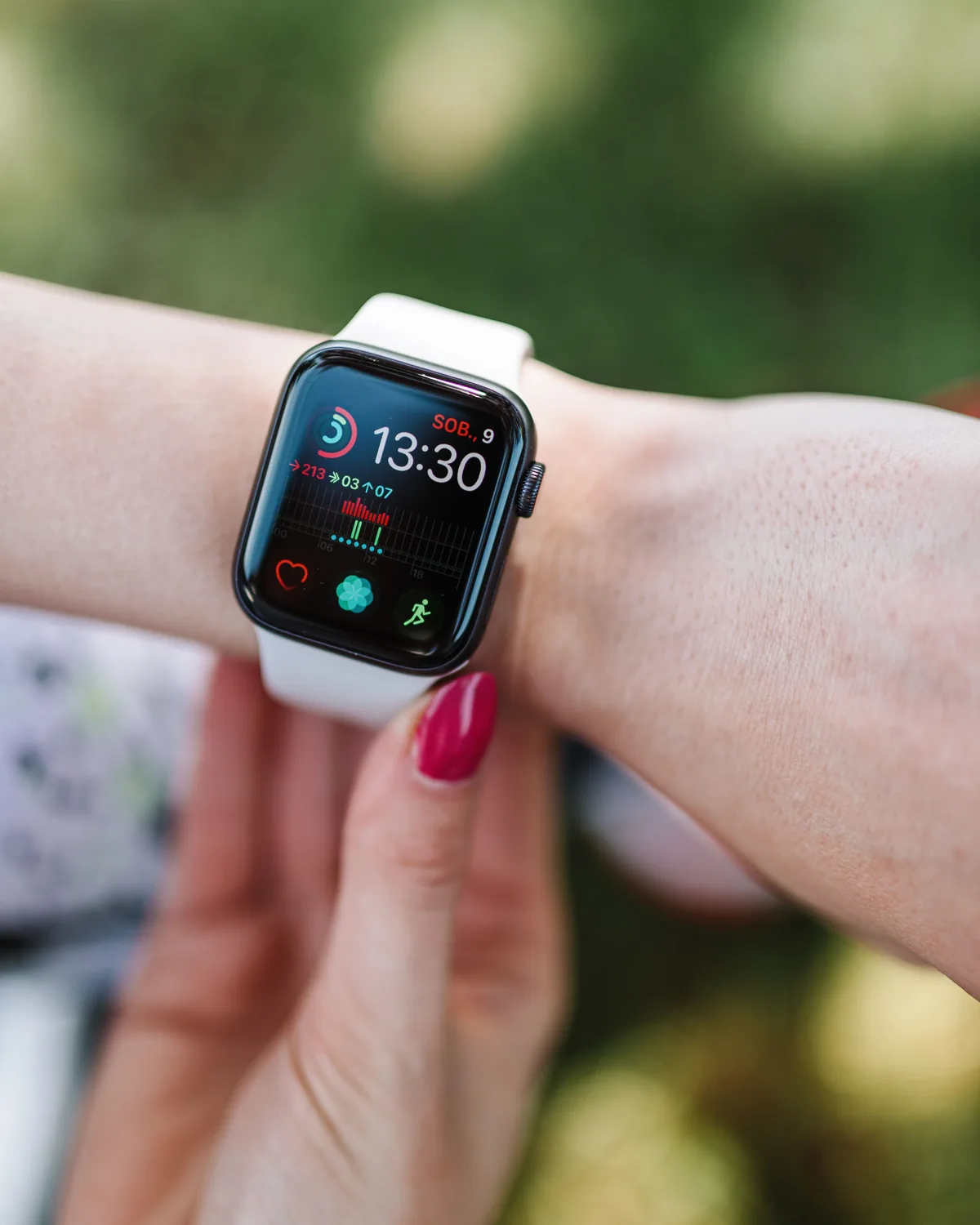
In step with your Watch.
Turn on sync in the PelQi iPhone app and your steps, workouts, weight and Activity rings come in from the Health app. Meals, water and weight you log in PelQi go back to the Health app, so everything stays in one place.
- Asks for access only when you switch sync on
- Nothing counted twice
- Stop syncing any time

See the week, not just today.
Water, steps and a weekly weigh-in sit on Today next to your meals. Progress shows the last 7 or 30 days, so one big Saturday is just one bar.
- Targets worked out from your goal, and yours to change
- Weigh-in and water nudges, off until you want them
- A streak for the days you log
Your health stays yours.
Private to you
Your food, weight and activity are yours alone. The rest of the household sees none of it unless you choose to share.
No ads, no tracking
PelQi has no ads. Your health data is never sold, never shared for advertising and never used to train anyone’s model.
Delete it in one go
Delete my health data in Health settings removes every entry. Your chats, lists and plans stay as they are.
Health basics are free for every grown-up: Today, food search, barcode scan, water, weight, progress and the Health app. Photo estimates and asking PelQi about your goals come with Max or the Health add-on. See pricing
Questions
Is PelQi Health free?
The basics are free for every grown-up on any plan: Today, food search, barcode scan, quick add, water, exercise, weight, a fasting timer, progress and sync with the Health app. Photo estimates and asking PelQi about your goals come with Max or the Health add-on. Pricing has the plans.
How do I log a meal?
Tap Log next to breakfast, lunch, dinner or a snack. Search for a food, scan a barcode, take a photo of the plate, add the calories yourself or copy yesterday’s. If the meal was on the household plan, one tap logs your portion. Logging food, step by step
Where does the food information come from?
Everyday foods come from USDA FoodData Central, with their usual portions. Packaged foods found by barcode come from Open Food Facts, a free database anyone can add to, so check the label if a number looks wrong. Photo results are estimates PelQi makes from the picture.
What does it keep track of?
Calories, carbs, fat and protein against targets worked out from your goal, plus water, steps, exercise and weight. You can change every target. Progress shows the last 7 or 30 days.
Does it work with Apple Watch?
Yes, through the Health app. Turn on sync in the PelQi iPhone app and PelQi reads your steps, workouts, weight and Activity rings, and writes your meals, water and weight back. It asks for access only when you switch sync on, and you can stop any time.
Can children use it?
No. PelQi Health is for grown-ups only. A child’s PelQi never shows calories, weight or food tracking.
Who can see my health data?
Only you. Your food, weight and activity are not shared with the rest of the household unless you choose to, are never used for ads and are never sold. Delete my health data in Health settings removes all of it.
Is this medical advice?
No. PelQi Health helps you notice patterns and plan meals; it does not diagnose or treat anything, and photo results are estimates. Talk to a doctor or a registered dietitian before big changes, especially if you are pregnant, have a health condition or take medication.
Good food, for everyone at home.
Make your PelQi in a minute, then open Health and set your goal.
Photos are licensed stock and show models, not PelQi customers. The screens are PelQi with demo data. PelQi Health is not medical advice. Apple Watch is a trademark of Apple Inc., registered in the U.S. and other countries and regions. Barcode food data from Open Food Facts, under the Open Database License. Everyday foods from USDA FoodData Central.