One assistant for the whole business.
PelQi covers your operations, your platforms, your engineering and your growth. Talk to it or type, and it answers from your own systems, cites every source, and asks before it acts.
Ask about anything you run.
It reads Microsoft 365, Jira, Confluence and Zoho CRM, and your own lab, with your own accounts.
Business operations
Your day, your inbox, your pipeline of work.
- What is due in the next three days?
- Which emails are waiting on me?
- Draft a reply to the RFP questions
- What changed on the open deals?
Platforms and data
The systems that keep the business running.
- Is the lab healthy?
- Which pipeline stopped, and was anything lost?
- What alerts fired overnight?
- Is the replication slot growing?
Engineering
Where the work is, and what is blocked.
- Which issues are waiting on me?
- Summarise the decisions page
- What shipped this week?
- Open a ticket for this fault
Growth
Show up consistently, in your own voice.
- Draft a LinkedIn post about the launch
- Any comments that need a reply?
- How did last week's posts do?
- Draft the follow-up email
Say “Pelqi.” Then just talk.
A wake word that listens whenever PelQi is open and learns how you say it, a natural US English voice, and a few seconds of follow-up listening so a conversation flows without repeating its name.
- The wake word runs on the device, not in the cloud
- It learns your pronunciation, and unlearns false wakes
- Barge in at any time; say stop and it stops
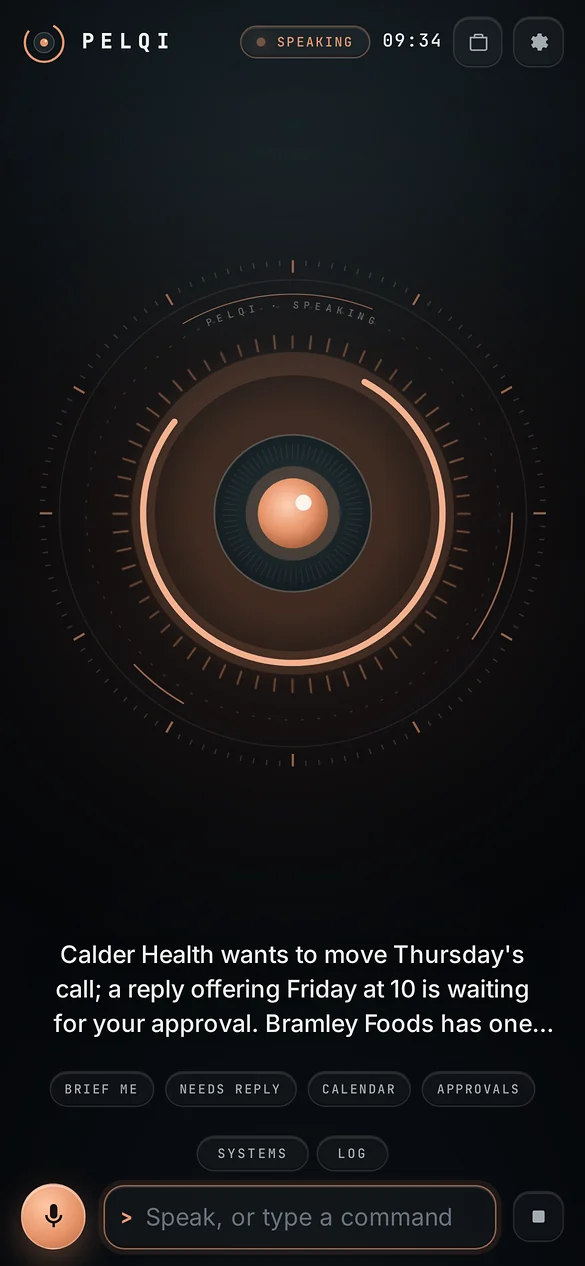
It tells you before you ask.
At three in the afternoon your brief is ready, deadlines first. Overnight, if something breaks or recovers, PelQi says so, on the screen or on your lock screen.
- A 3pm brief led by what is due in three days
- Lab alerts when something newly breaks or recovers
- Known issues stay in the brief instead of ringing alarms

It drafts. You decide.
Emails, events, tickets, CRM updates and social posts are shown in full before anything leaves. Say yes, tap Authorize, or let it pass.
- Reads run freely; anything that sends or changes waits
- Declined with a reason, and PelQi reads it next time
- Unanswered requests lapse after three days
- to
- procurement office
- subject
- Questions on the data platform RFP
- body
- Thank you for the opportunity. Three questions on scope, ahead of Friday's deadline: ...
Or say “yes” or “no”.
It remembers what you decided.
Tell PelQi a preference once and it keeps it. Ask what you decided last week and it finds the conversation. Never passwords, keys or ID numbers.
- Notes on preferences, decisions, people and follow-ups
- Recent conversations carried into every new one
- Read or delete any note, or forget everything
- preferenceRank work by deadline, then money, then people waiting.
- decisionBid on the county data platform RFP; skip the hardware lot.
- personPrefers a call over email for contract changes.
- follow-upCall the pilot customer next Tuesday.
PelQi saves short notes when you state a preference or make a decision. Every note can be read and deleted.
Your business stays yours.
PelQi’s own servers
PelQi runs on servers Fortis Data Group operates in the United States. Your conversations and notes are kept there, only for you.
Speech stays home
The wake word runs on the device. Speech is transcribed and PelQi's voice is generated on PelQi’s servers.
Browser notices carry a ping
In a browser, the push service relays an empty ping and the words are fetched from PelQi’s servers. In the iPhone app, Apple delivers the notice itself.
One private sign-in
One sign-in for PelQi Home and PelQi Work, with a code by email if you forget your password.
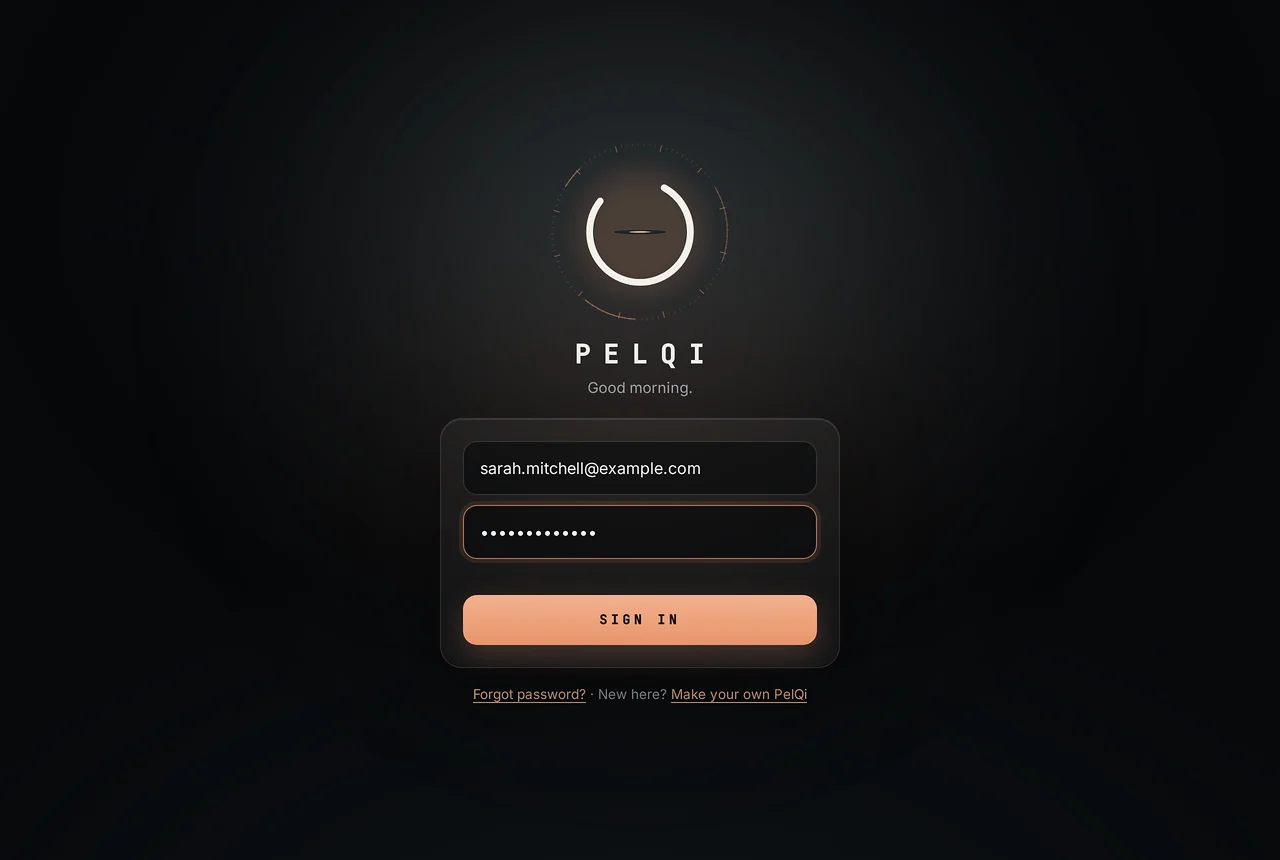
It closes its eye while you type your password.
Every detail is built with the same care, down to the sign-in. One sign-in opens PelQi and every other Fortis app, and keeps your devices signed in.
On every screen you own.
iPhone and iPad
In the App Store, with Apple’s own notifications.
Android
A home-screen app today from Chrome; the native app is coming to Google Play.
Windows
A desktop app, with lab alerts as Windows notifications.
Any browser
Full screen, with the same eye, voice and approvals.
Bring PelQi to your business
Early access is open to a small number of teams. Join the waitlist and tell us what you would ask it first.
Microsoft 365, Jira, Confluence and Zoho CRM are trademarks of their owners. PelQi connects through their published interfaces with your own accounts; no partnership or endorsement is implied.